How Do I Create or Edit a Job?
Last updated: April 16, 2026
Creating and editing jobs now follows a cleaner three-step flow: Job Details, Interview Script, and Launch. The new flow has fewer screens, less clutter, and a few new tools to speed up setup.
Step 1: Job Details
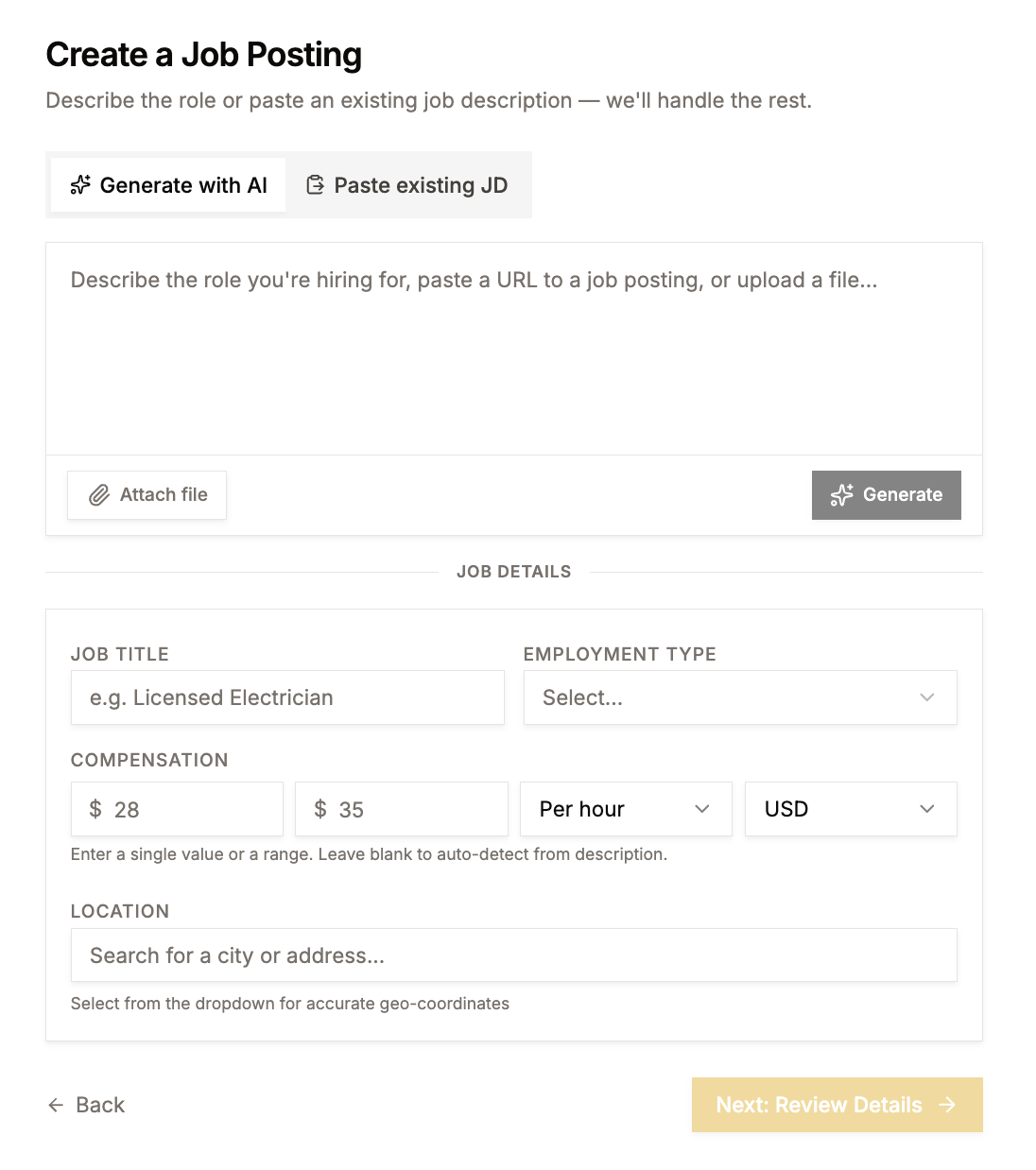
Start by entering the basics: job title, location, wage range, employment type, and job description.
AI-assisted descriptions: You can upload a file or paste an existing job description, and AI will generate a polished version for you. Review and edit as needed.
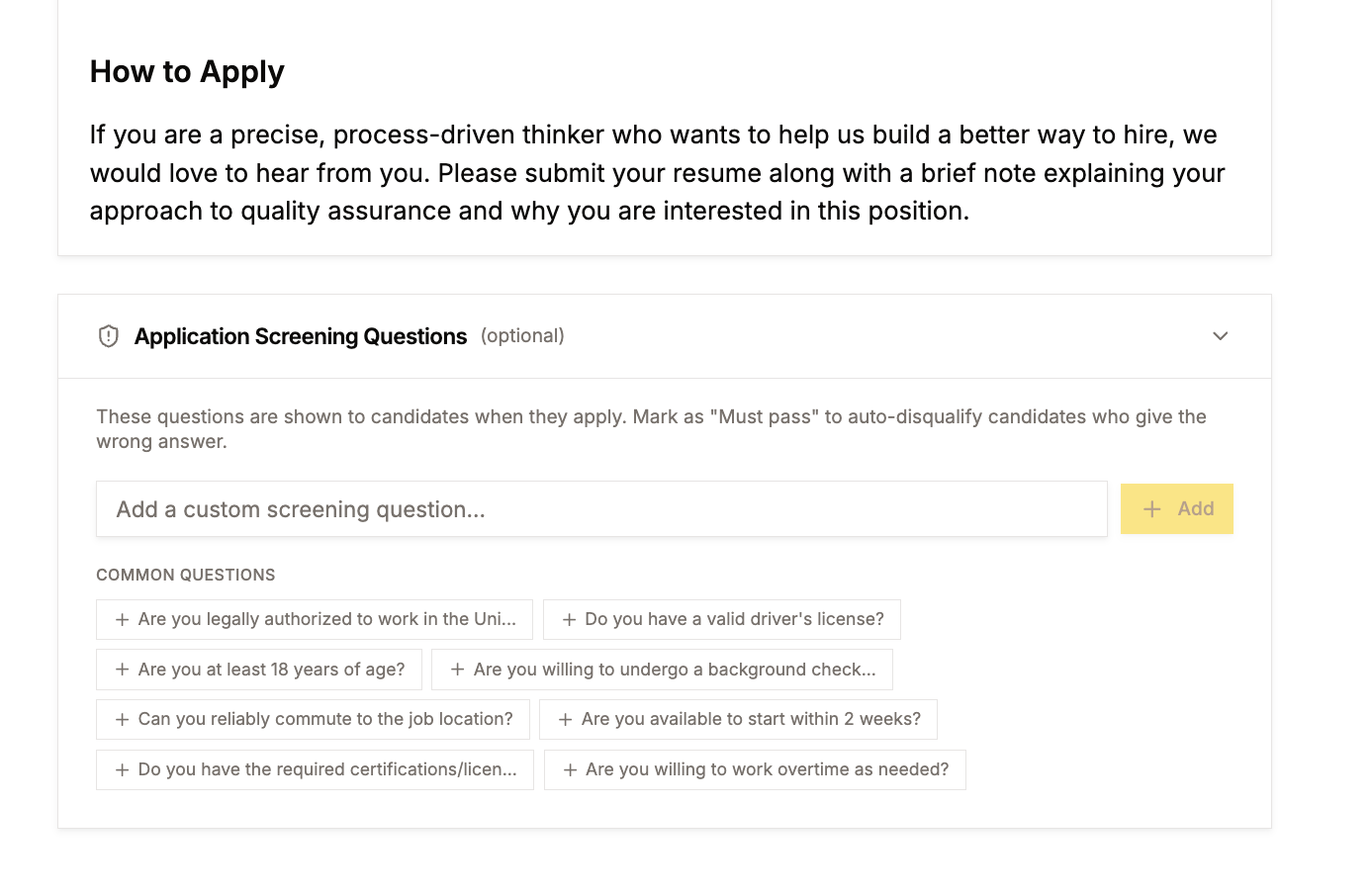
Knockout screening questions: Optionally add application questions that appear on Indeed before candidates apply. These help filter out people who clearly aren't a match, so Joy only interviews qualified applicants. This is separate from the AI interview itself.
Step 2: Interview Script
Select or create the interview script Joy will use for this role. If you already have scripts set up, just pick the one that fits.
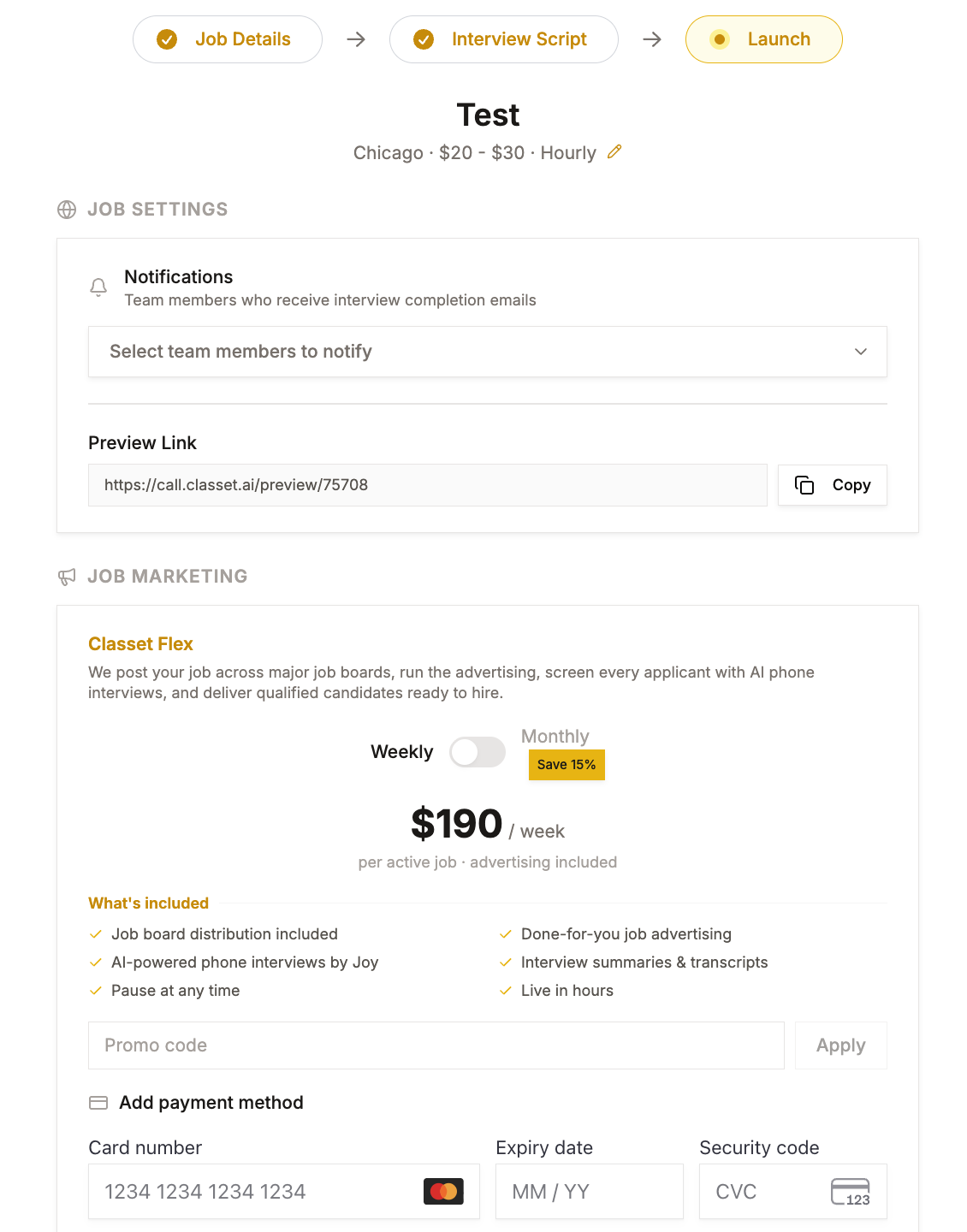
Step 3: Launch
Configure notifications, set your marketing budget (if you're using Classet's job marketing), and publish. Once live, you should start seeing candidates come through within a few hours.
Have more questions? Contact success@classet.ai