How do I Add Qualifying Questions?
Last updated: September 29, 2025
As part of the screening process, Joy can verify if a candidate meets your must-have criteria. She will ask knock-out questions and, based on the answers, will categorize candidates for your review.
Navigate to the script editing page:
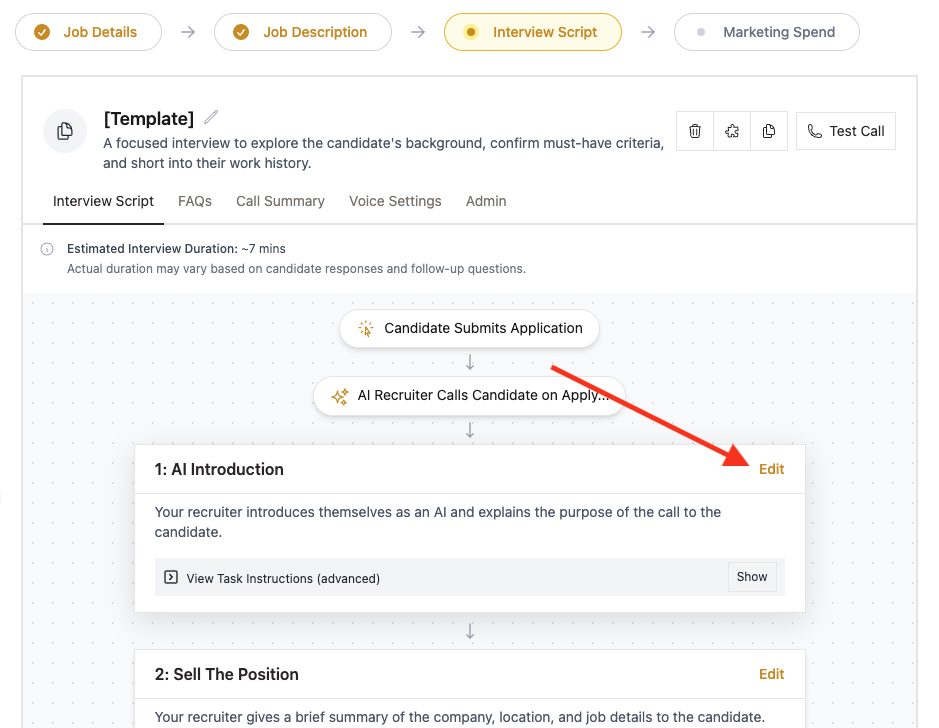
Click 'Edit' on any step of the script.
We recommend adding this task before the 'Learn the Basics about the Candidate' block
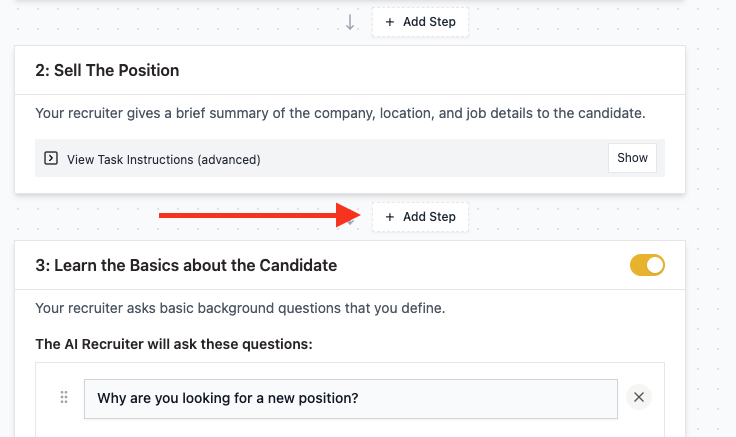
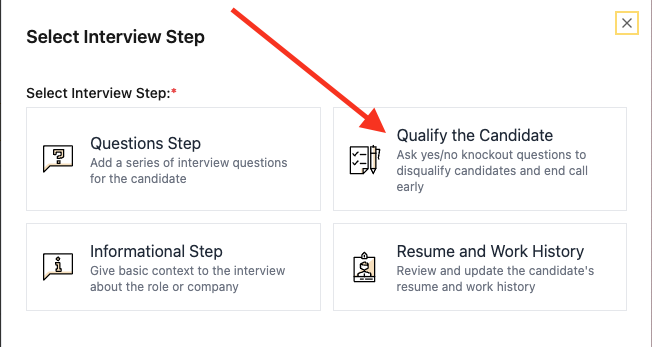
Add a new step called 'Qualify the Candidate'.
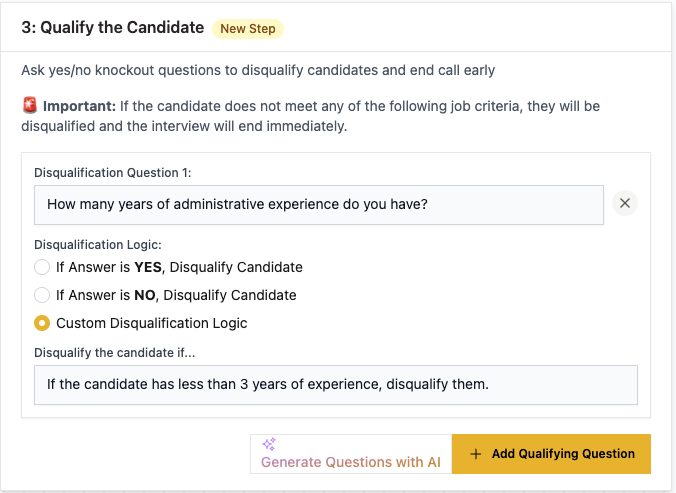
Include as many questions as you like. There are three options for disqualifying logic, so be sure to verify that it matches your question.
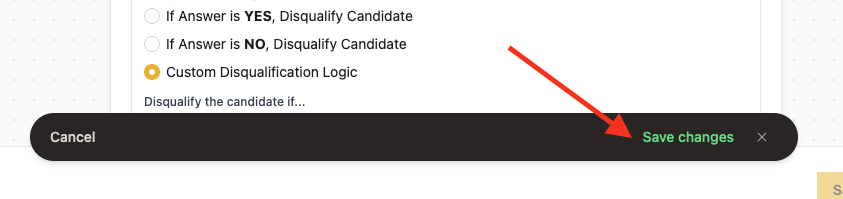
Finally, don't forget to click 'Save Changes' once you're done.
NOTE: Try to make the wording of the questions sound natural in a real verbal conversation. Read the question out loud to check how it sounds to you.
NOTE: Break complex questions into several separate questions to give the candidate space to address each one of them.
NOTE: For the qualifying section, use questions with clear objective criteria for screening.
Have more questions? Contact success@classet.ai