How Do I Know If My SMS Outreach Was Delivered?
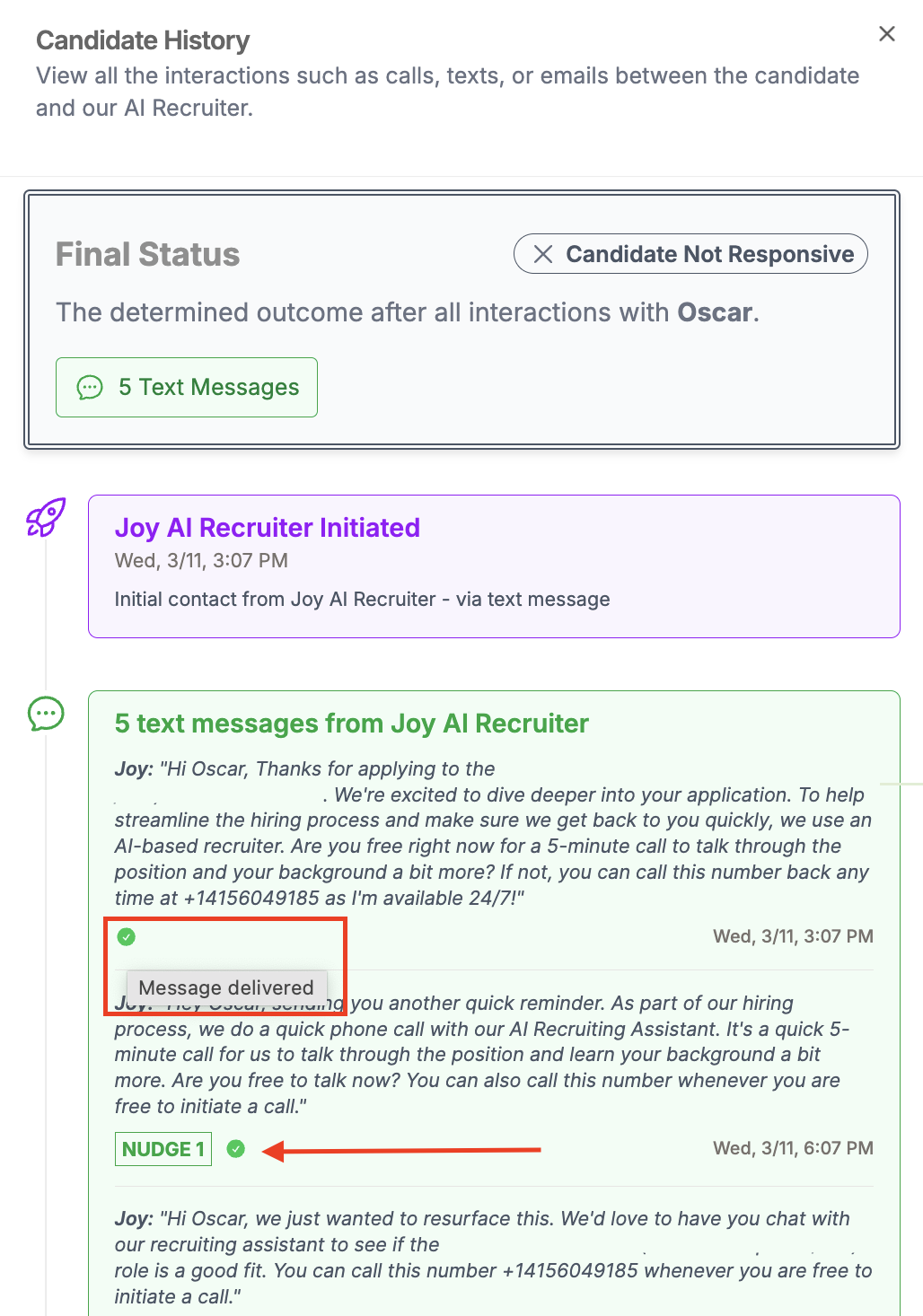
When Joy sends text messages to candidates, you can now see delivery status at a glance. Each message shows whether it was delivered, failed, or is still pending.
If a message didn't go through, hover over the status indicator to see the reason.
Where to Find It
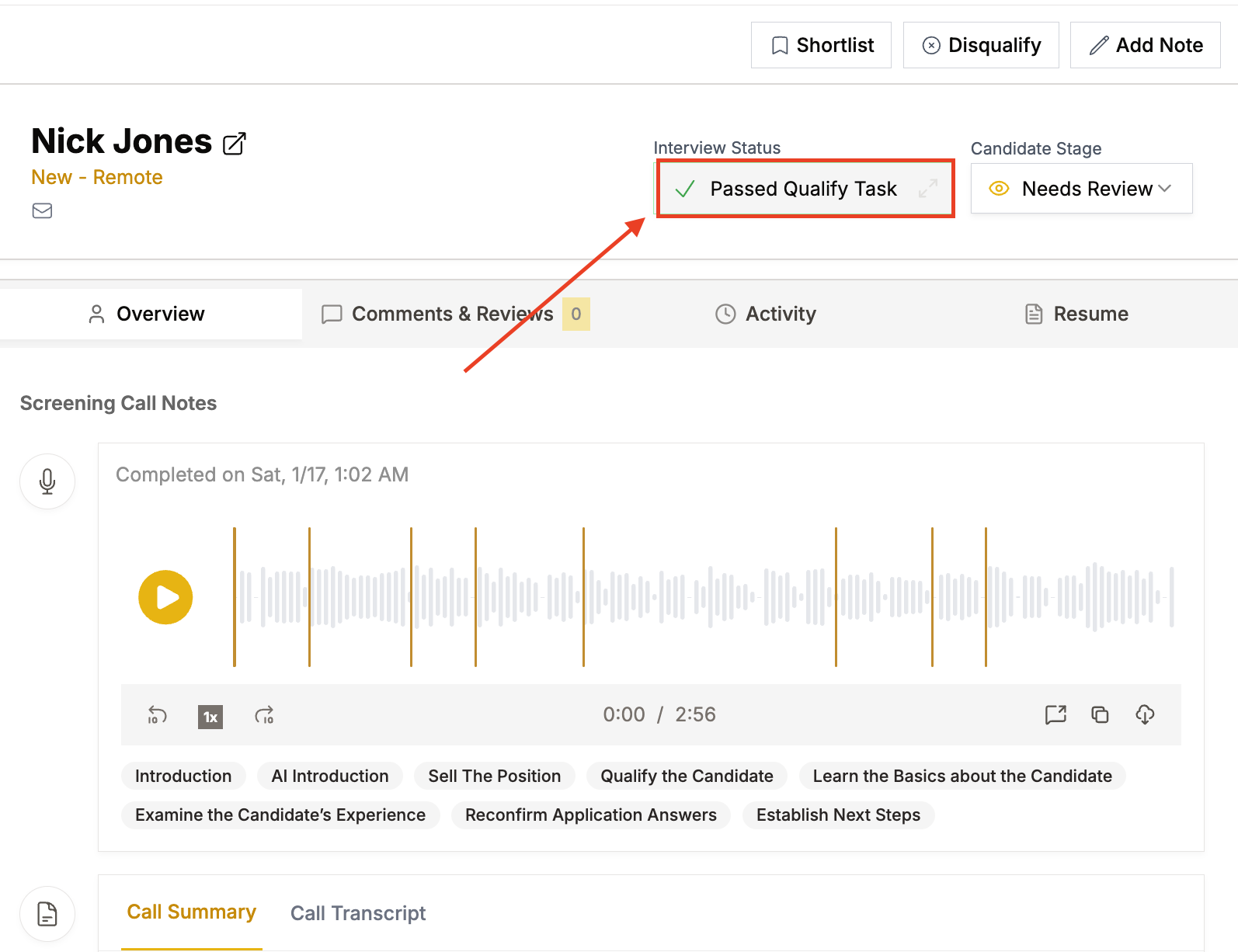
Open a candidate's profile and click on their interview outcome to view the full candidate history. In the text message section, you'll see a delivery indicator next to each message with a timestamp.
A green checkmark means the message was delivered. If something went wrong, the indicator will show the failure status, and hovering over it reveals more detail about what happened.
Why This Matters
Previously, there was no way to know if outreach messages actually reached candidates. Now you can quickly identify delivery issues and take action, whether that means trying a different contact method or flagging a bad phone number.
Have more questions? Contact success@classet.ai